Agent Skills Explained: How to Write a SKILL.md for Claude Code, Cursor, Codex and Copilot
Agent Skills explained: the SKILL.md format, where Claude Code, Cursor, Codex and Copilot look for skills, how to install them with npx skills add, and a real validated Next.js security skill you can copy.


On this page
Agent Skills are now the standard way to teach an AI coding agent a repeatable job. Write one SKILL.md file and Claude Code, Cursor, OpenAI Codex, GitHub Copilot and VS Code can all load it. Next.js 16.4 even ships its own skills that you install with npx skills add.
In this guide I build a real skill, next-security-check, that checks a Next.js app against the October 2026 security advisories. I validate it with the official skills-ref validator and install it with the skills CLI. Along the way it covers the SKILL.md format, the folder each agent actually reads, and the mistakes that stop a skill from triggering. Every rule below is cited to the Agent Skills specification or to each agent's own docs.
What are Agent Skills?#
Agent Skills are folders of instructions, scripts and reference files that an AI agent loads on demand to do a specific task. Each skill is a directory with a required SKILL.md file: YAML frontmatter with a name and description, then Markdown instructions. The agent reads only the name and description at startup and loads the rest when a task matches.
According to the Agent Skills overview, the format "was originally developed by Anthropic, released as an open standard, and has been adopted by a growing number of agent products." The client showcase lists the tools that support it, including Claude Code, Cursor, OpenAI Codex, GitHub Copilot, VS Code, Gemini CLI, OpenCode, Goose and JetBrains Junie.
Why do Agent Skills matter right now?#
Skills matter because they are the first agent customization format that works across vendors. The same folder runs in Claude Code, Cursor, Codex and Copilot. Framework teams now ship them: the Next.js 16.4 release tells you to run npx skills add vercel/next.js --skill next-bundle-optimizer, then /next-bundle-optimizer "in your AI agent of choice."
Running npx skills add vercel/next.js --list on October 17, 2026 showed the official Next.js skills, including:
next-bundle-optimizer: audits and cuts browser initial-load worknext-cache-components-adoption: turns on Cache Components and fixes the blocking routes it surfacesnext-cache-components-optimizer: grows the static shell, guarded byinstant()testsnext-partial-prefetching-adoptionandnext-partial-prefetching-optimizernext-dev-loop: verifies runtime behavior against a runningnext dev
If you already followed my Next.js use cache guide, next-cache-components-adoption is the skill that automates that migration.
How is a skill different from AGENTS.md, rules and MCP?#
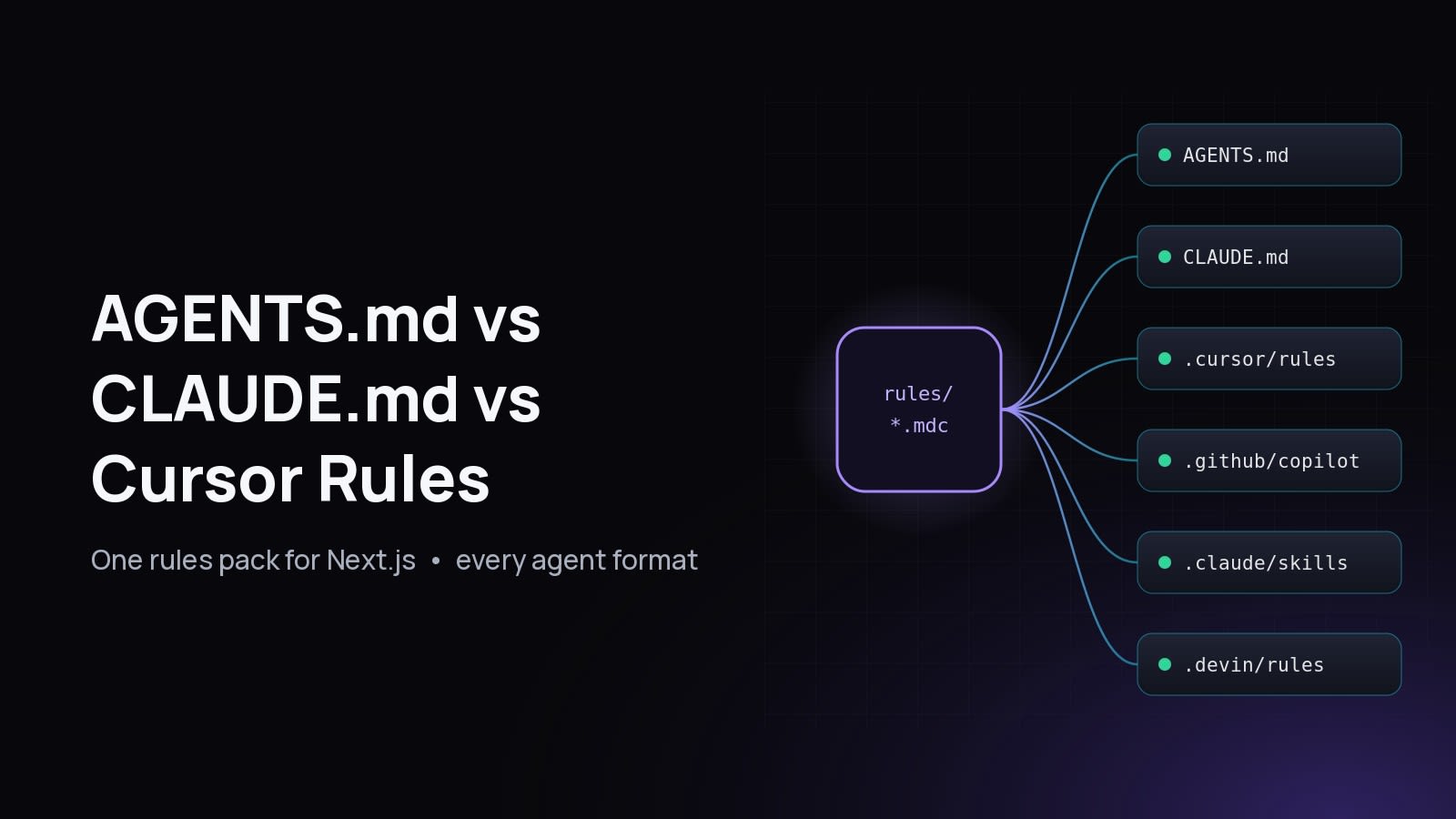
A skill is an on-demand procedure. AGENTS.md and rules files are always-on context. An MCP server is a live tool connection. Use AGENTS.md for facts every task needs, a skill for a multi-step job that only some tasks need, and MCP when the agent must call an external system such as a database or an API.
Claude Code's docs put it well: create a skill "when you keep pasting the same instructions, checklist, or multi-step procedure into chat, or when a section of CLAUDE.md has grown into a procedure" (Claude Code skills). For the always-on side, see AGENTS.md vs CLAUDE.md vs Cursor rules. For live tools, see how to build an MCP server in Next.js.
What does the SKILL.md format look like?#
A SKILL.md file starts with YAML frontmatter between --- lines, then free-form Markdown. The specification requires only two fields, name and description. license, compatibility, metadata and the experimental allowed-tools are optional. The body has no required structure; write the steps the agent should follow.
The folder layout for the skill in this guide:
.agents/skills/next-security-check/
├── SKILL.md                  # required: frontmatter + instructions
├── scripts/
│   └── check-next-security.mjs   # code the agent runs
└── references/
    └── advisories.md         # loaded only when SKILL.md points to it
Which frontmatter fields does the spec define?#
Agents add their own optional fields on top. Claude Code, Cursor and VS Code all support disable-model-invocation: true to make a skill run only when you type /skill-name. Claude Code and VS Code also support user-invocable: false to hide a background skill from the / menu (VS Code agent skills, Cursor skills). Other agents ignore fields they don't know. Claude Code says it "ignores a field it doesn't recognize without reporting an error."
How do I create an Agent Skill step by step?#
To create an Agent Skill, make a folder named after the skill inside .agents/skills/, add a SKILL.md with a name that matches the folder and a description that says when to use it, then write numbered steps in the body. Put long material in references/, code in scripts/, and validate with skills-ref validate.
Step 1: Create the folder#
mkdir -p .agents/skills/next-security-check/{scripts,references}Step 2: Write SKILL.md#
This is the exact file I validated and installed:
---
name: next-security-check
description: Checks a Next.js app against known Next.js security advisories and patches it. Use when the user asks whether their Next.js app is vulnerable, mentions a Next.js CVE or GHSA, asks to upgrade Next.js for security, or before deploying a Next.js app.
license: MIT
compatibility: Requires Node.js 18+ and npm, pnpm or yarn in a Next.js project
metadata:
  author: fabwaseem
  version: "1.0"
---

# Next.js security check

## Steps

1. Run the checker from the project root:
   `node .agents/skills/next-security-check/scripts/check-next-security.mjs .`
   Exit code 0 means patched, 1 means at least one advisory is open.
2. If it reports VULNERABLE, read [references/advisories.md](references/advisories.md)
   for the fixed versions, then upgrade:
   - Next.js 16.x: `npm install next@latest eslint-config-next@latest`
   - Next.js 15.x: `npm install next@15.5.28`, then `npm update sharp`
3. Run the checker again. Do not report success until it exits 0.
4. Run the project's own checks (`npm run lint`, `npm run build`) and report
   any failures instead of hiding them.
5. Tell the user to commit the lockfile, rebuild the Docker image without cache
   and redeploy. A patched laptop does not patch production.

## Gotchas

- `npm audit` can miss these advisories. Trust the checker's version comparison.
- On Next.js 15.5.28 the lockfile can keep `sharp` 0.34.x. Always re-check `sharp`.
- Upgrading `react` does not fix Next.js: Next.js bundles its own React Server
  Components runtime. Upgrade `next`.
- Never run `npm audit fix --force`; it can jump major versions.

## Output format

Report a short table: advisory, status before, status after, action taken.
The Gotchas section holds what I found the hard way while writing the Next.js security update guide. The best-practices guide says "the highest-value content in many skills is a list of gotchas," because they are facts the agent can't guess (Agent Skills best practices).
Step 3: Bundle the script and the reference#
Copy the dependency-free checker from the security post into scripts/check-next-security.mjs, and keep the advisory table in references/advisories.md:
# Next.js advisories checked by this skill

| Advisory | Severity | Affected next | Fixed in | Workaround |
| --- | --- | --- | --- | --- |
| GHSA-673q-mjm6-r5xr: RCE in `use cache` returning typed arrays | Critical 9.5 | 16.0.0 to 16.4.0 | 16.4.1 | None |
| CVE-2026-96889 / GHSA-2464-fhr4-w9xw: RCE via SVG in image optimization (sharp, glibc) | Critical 9.5 | 10.0.0 to 15.5.27, 16.0.0 to 16.4.0 | 15.5.28, 16.4.1 (sharp 0.35.5+) | sharp 0.35.5+ |
| GHSA-p3m5-59mp-jv5r: DoS via Server Actions | High 8.2 | 13.0.0 to 15.5.27, 16.0.0 to 16.4.0 | 15.5.28, 16.4.1 | None |

Source: https://nextjs.org/blog/nextjs-security-update-october-14-2026
The agent only reads this file when step 2 sends it there. That is progressive disclosure working as designed.
Step 4: Test the script on its own#
A skill is only as good as its script, so run it outside the agent first. On a project with next@16.4.0 it exits 1:
VULNERABLE  GHSA-p3m5-59mp-jv5r (high): DoS via Server Actions
            fix: upgrade next to 16.4.1+

2 issue(s) found. Patch, rebuild and redeploy.
On the same project after upgrading to next@16.4.2 it exits 0 with All three October 14, 2026 advisories are patched.
How do I validate a SKILL.md file?#
Validate a skill with skills-ref validate <folder>, the reference validator from the Agent Skills project. It checks the frontmatter against the spec: required fields, name format, name matching the directory, and field lengths. It exits 0 when the skill is valid and 1 with a list of errors otherwise, so it works in CI.
Install it from the official repository (the project calls it a reference library "for demonstration purposes only", so treat it as a linter, not a runtime):
python3 -m venv .venv && . .venv/bin/activate
pip install "git+https://github.com/agentskills/agentskills.git#subdirectory=skills-ref"
skills-ref validate .agents/skills/next-security-check
Real output from my run:
Valid skill: .agents/skills/next-security-checkAnd the three mistakes I tested on purpose:
$ skills-ref validate bad/Next_Security
Validation failed for bad/Next_Security:
  - Skill name 'Next_Security' must be lowercase
  - Skill name 'Next_Security' contains invalid characters. Only letters, digits, and hyphens are allowed.

$ skills-ref validate bad/next-check
Validation failed for bad/next-check:
  - Directory name 'next-check' must match skill name 'next-security-check'

$ skills-ref validate bad/nodesc
Validation failed for bad/nodesc:
  - Missing required field in frontmatter: description
skills-ref to-prompt <folder> prints the <available_skills> XML block an agent would inject: name, description and location. Read it to see your skill the way the model sees it before activation.
Where does each agent look for skills?#
Each agent scans its own folders, but they overlap. .agents/skills/ is read by Codex, Cursor, VS Code and GitHub Copilot. .claude/skills/ is read by Claude Code, Cursor, VS Code and Copilot. Claude Code does not list .agents/skills/, so keep the real folder in .agents/skills/ and symlink it into .claude/skills/.

You don't have to set up the symlink yourself. When I installed the skill with the skills CLI for Claude Code, Codex and Cursor, it did exactly that, as the next section shows.
How do I install skills with npx skills add?#
npx skills add <source> installs skills from a GitHub repo, a URL or a local folder. It writes one canonical copy to .agents/skills/<name>/ and symlinks it into agent folders that need a different path, such as .claude/skills/. It also records the source and a content hash in skills-lock.json so installs are reproducible.
The CLI is vercel-labs/skills (version 1.7.2 on npm when I tested it). One thing tripped me up: it needs Node.js 22.20 or later. On Node 20 it crashes with SyntaxError: The requested module 'fs/promises' does not provide an export named 'glob'. On Node 24 it worked:
# see what a repo offers
npx skills add vercel/next.js --list

# install one official Next.js skill
npx skills add vercel/next.js --skill next-cache-components-adoption

# install your own local skill for three agents, no prompts
npx skills add ./.agents/skills/next-security-check -a claude-code -a codex -a cursor -y
The result in a fresh project:
◇  Installed 1 skill
│  ✓ ./.agents/skills/next-security-check
│    universal: Codex, Cursor
│ symlinked: Claude Code.agents/skills/next-security-check/SKILL.md
.claude/skills/next-security-check -> ../../.agents/skills/next-security-check
skills-lock.jsonOn GitHub, the gh skill command in GitHub CLI can also discover and install skills from repositories (GitHub Docs). Other useful skills CLI commands: npx skills ls lists installed skills, npx skills update updates them, npx skills remove removes them, and npx skills init my-skill scaffolds a new SKILL.md. Commit .agents/, .claude/skills and skills-lock.json so the whole team gets the same skills.
The CLI ends every install with a warning worth repeating: "Review skills before use; they run with full agent permissions." Read a third-party skill's SKILL.md and scripts before you install it, exactly as you would read a postinstall script.
How does progressive disclosure keep context small?#
Progressive disclosure means the agent loads a skill in three stages. The name and description (about 100 tokens) load at startup for every skill. The full SKILL.md body (under 5,000 tokens recommended) loads when the skill activates. Files in scripts/, references/ and assets/ load only when the instructions point to them.

The specification gives two size rules that follow from this:
- Keep the main
SKILL.mdunder 500 lines and move detailed material to separate files. - Keep file references one level deep from
SKILL.md, and avoid chains likeSKILL.md → a.md → b.md.
Because only metadata is always loaded, you can install dozens of skills for little context. Claude Code caps the listing too. It truncates the combined description and when_to_use text at 1,536 characters per skill, so it tells you to put the key use case first.
How do I write a description that actually triggers?#
Write the description as two sentences: what the skill does, then "Use when..." followed by the words a user would actually type. Agents choose skills by matching the task against the description, so vague text like "Helps with Next.js" never fires. Name concrete triggers: error messages, file names, tool names and intents.
Compare:
OpenAI's Codex docs say the same: "write concise descriptions with clear scope and boundaries. Front-load the key use case and trigger words" (Codex skills). If a skill should never fire on its own, such as a deploy or a release, set disable-model-invocation: true in clients that support it and invoke it by name.
What makes a skill good? Best practices checklist#
A good skill encodes knowledge the agent doesn't already have, gives an order of steps, and checks its own work. The best-practices guide recommends starting from a real task you have done, adding gotchas, providing templates and checklists, and building validation loops where the agent runs a check, fixes the problem and runs it again.
Use this checklist before you commit a skill:
- One job per skill. "Check and patch Next.js security" is one job; "all things Next.js" is not.
- Name matches the folder, lowercase with hyphens, 64 characters or fewer.
- Description says what and when, with the trigger words a user would type.
- Numbered steps with exact commands, not advice.
- A Gotchas section with the non-obvious facts you learned the hard way.
- A validation loop: run a check, fix, run it again, and only then report success (step 3 in the example).
- Scripts for anything deterministic. A script that exits 0 or 1 beats a paragraph the model has to interpret.
- References for long material, linked from
SKILL.md, one level deep. - An output format so results look the same every run.
skills-ref validatepasses in CI.- No secrets in the folder. Skills are committed and shared; read tokens from the environment.
- Tested by hand in at least one agent with a prompt that should trigger the skill and one that shouldn't.
Common Agent Skill mistakes#
The most common reasons a skill doesn't trigger or doesn't work are a folder name that doesn't match name, a vague description, a file in a folder the agent doesn't scan, and frontmatter that doesn't start on line 1. Claude Code says that if the opening --- isn't the first line it treats the whole file, markers included, as skill content.
Key takeaways#
- Agent Skills are folders with a
SKILL.md(YAMLname+description, then Markdown steps) plus optionalscripts/,references/andassets/. - One skill works across Claude Code, Cursor, Codex, GitHub Copilot, VS Code and the other clients listed on agentskills.io.
- Put skills in
.agents/skills/and symlink them into.claude/skills/for Claude Code;npx skills adddoes this for you. - Only about 100 tokens of metadata load per skill until it activates, so keep
SKILL.mdunder 500 lines and move detail into references. - The description decides whether a skill triggers: say what it does and "Use when..." with real trigger words.
- Validate with
skills-ref validate, put gotchas and a validation loop in every skill, and review third-party skills before installing. - Next.js 16.4 ships official skills such as
next-bundle-optimizerandnext-cache-components-adoption.
Questions
Share